PRINT FARM MANAGEMENT
Every printer you run, on one screen
Protype Hub talks to any Klipper machine through Moonraker, so a farm of mixed brands answers to one interface. Watch the whole fleet at a glance, run the queue from the floor, and calibrate a machine without walking a laptop to the bench.
- iOS
- Android
- macOS
- Windows
- Linux
Get Protype Hub
One app for every printer you run, on the desktop and in your pocket.
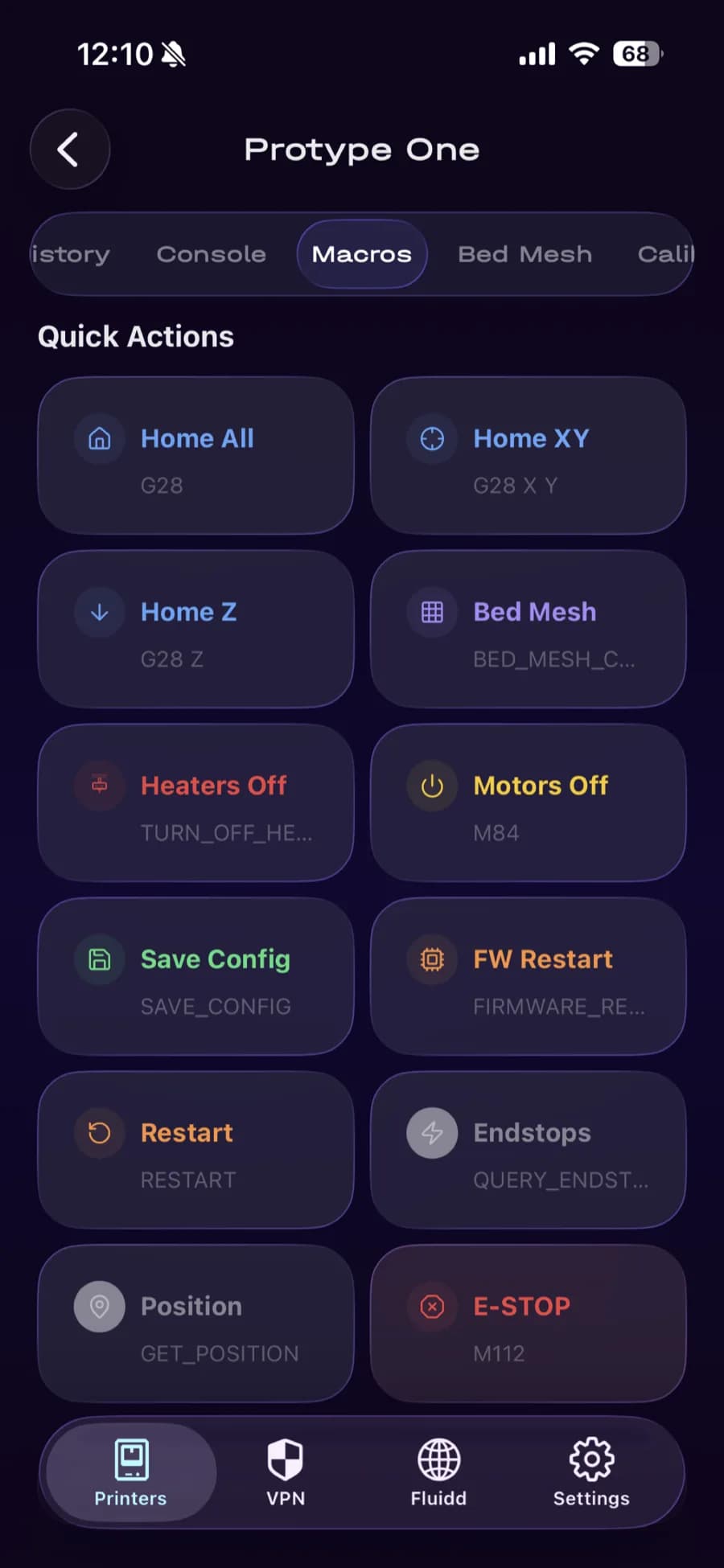
The whole machine in your hand
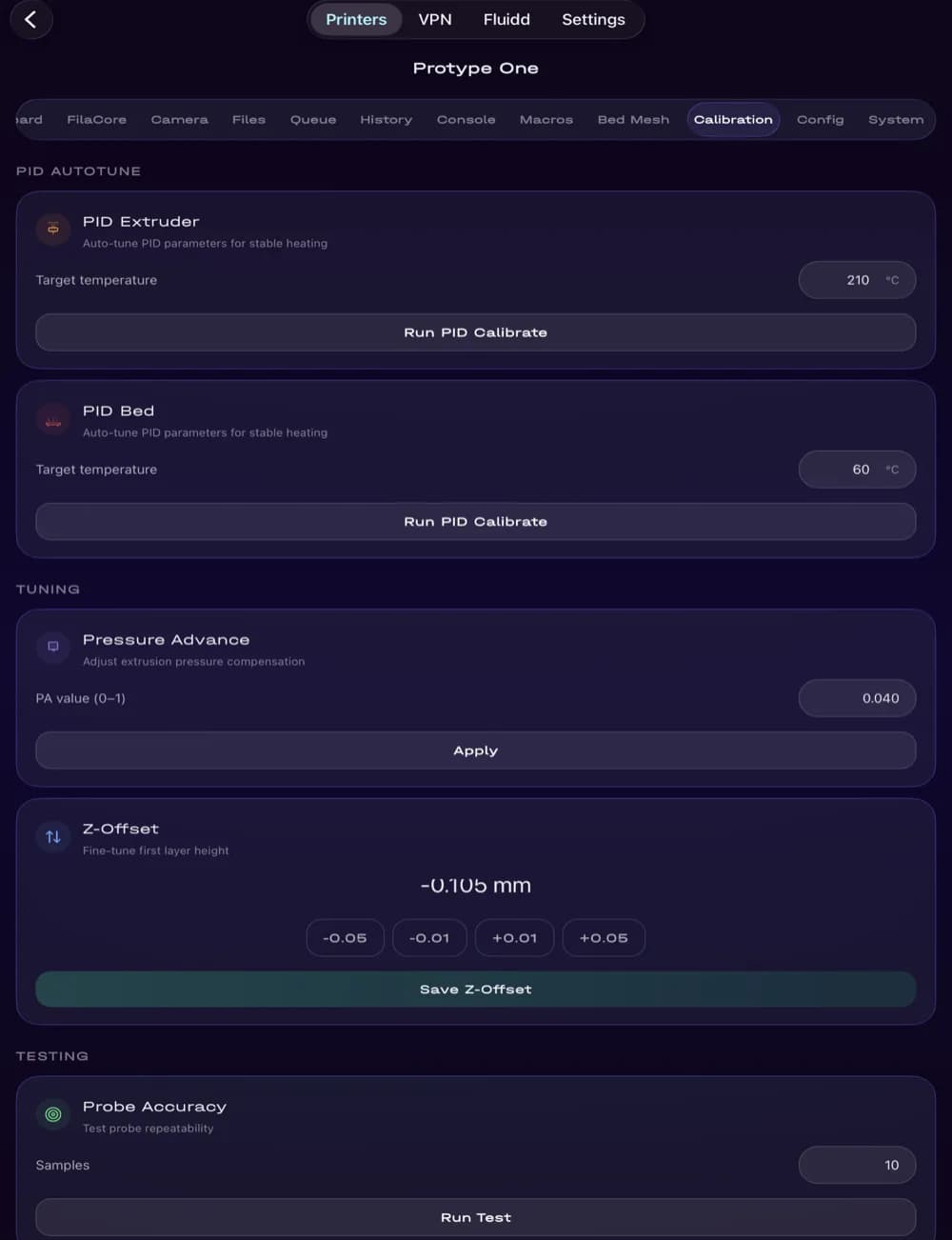
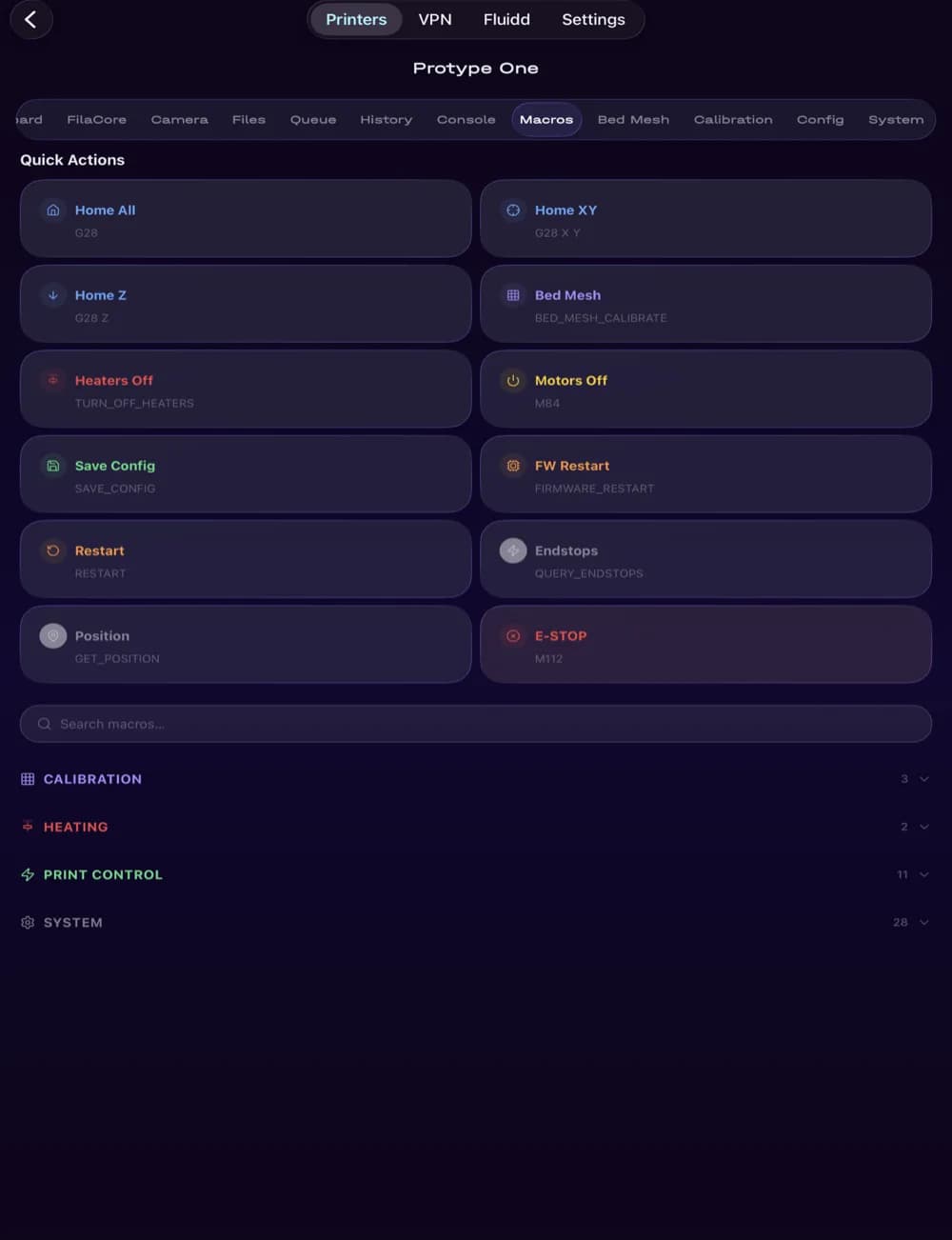
And the full bench on a tablet
Remote access is the product, not an add-on
Fluidd, Mainsail and plain Moonraker assume you are on the same network. Reaching a printer from anywhere else is left to you — a reverse proxy, port forwarding, or a third-party mesh VPN you have to run yourself.
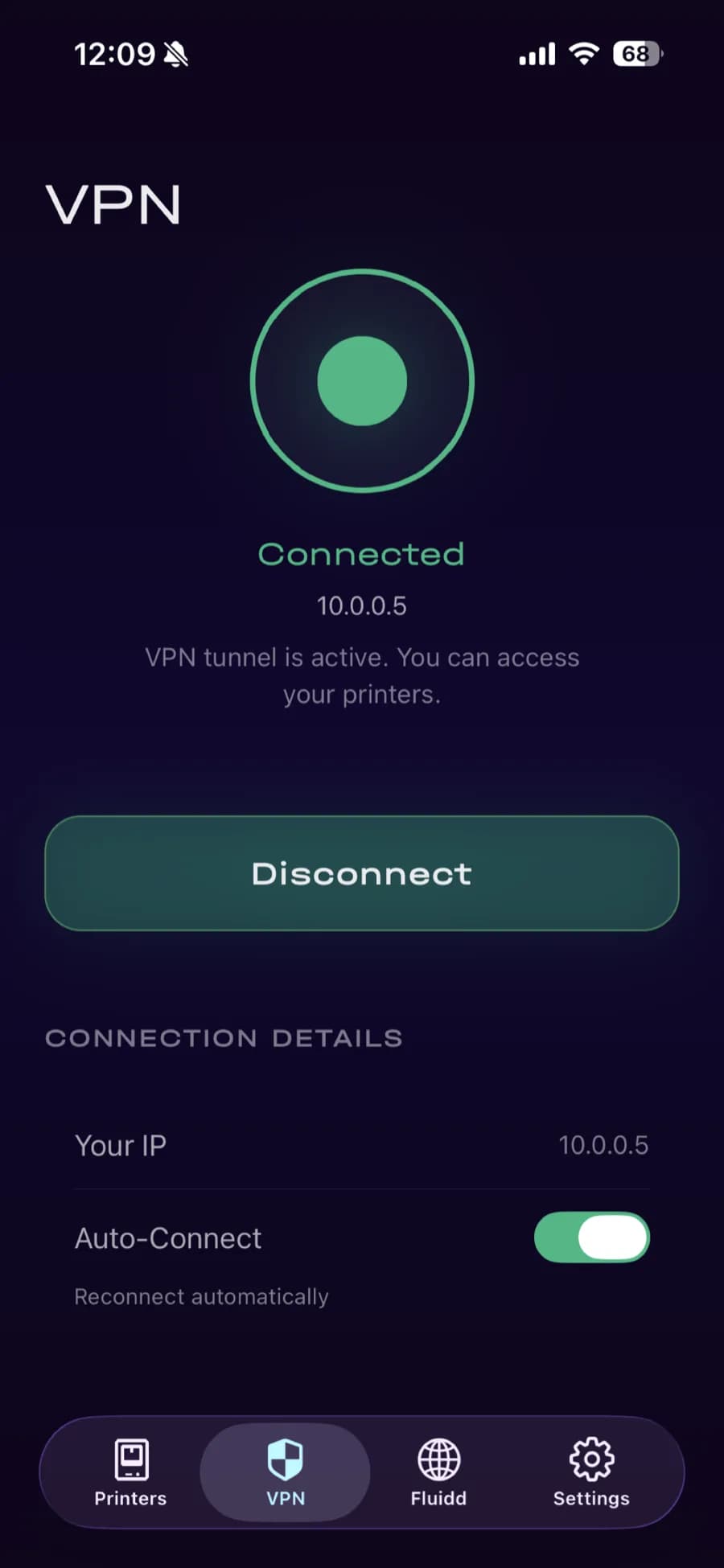
Protype Hub ships its own tunnel on all five platforms and handles the keys itself. Enrolling a printer is a serial number and a one-time code. No port forwarding, no public IP, no dynamic DNS.
- Native VPN engines per platform, not a bundled third-party client
- Only printer traffic is routed through the tunnel — your other traffic is untouched
- Printers are enrolled by serial number, not by IP address
Access control Klipper does not have
Control and file requests carry a token that the on-printer proxy validates before anything reaches Moonraker. Roles — owner, admin, operator, viewer — are enforced on the machine itself, not only in the app, and privileged actions land in an audit log on the printer.
That matters the moment more than one person touches the fleet. An operator can start and watch jobs without being able to rewrite the printer configuration or install Klipper extensions.
What operators actually do with it
Watch the fleet
The mobile client probes every registered printer every fifteen seconds in parallel, so the list reflects the machines rather than a cached registry.
See the print
Live camera over WebRTC with MSE and MJPEG fallbacks, and a bed nudge in Z from inside the camera view so you can inspect a first layer without walking over.
Understand a failure
More than forty known Klipper fault signatures with plain-English explanations and a one-tap firmware restart, instead of a raw error string.
Run the queue
View, enqueue, delete, start, pause and clear Moonraker's job queue from either client.
Build your own dashboard
The desktop client composes twenty-eight drag-and-drop, resizable widgets with a density control — a workstation layout, not a phone screen stretched into a window.
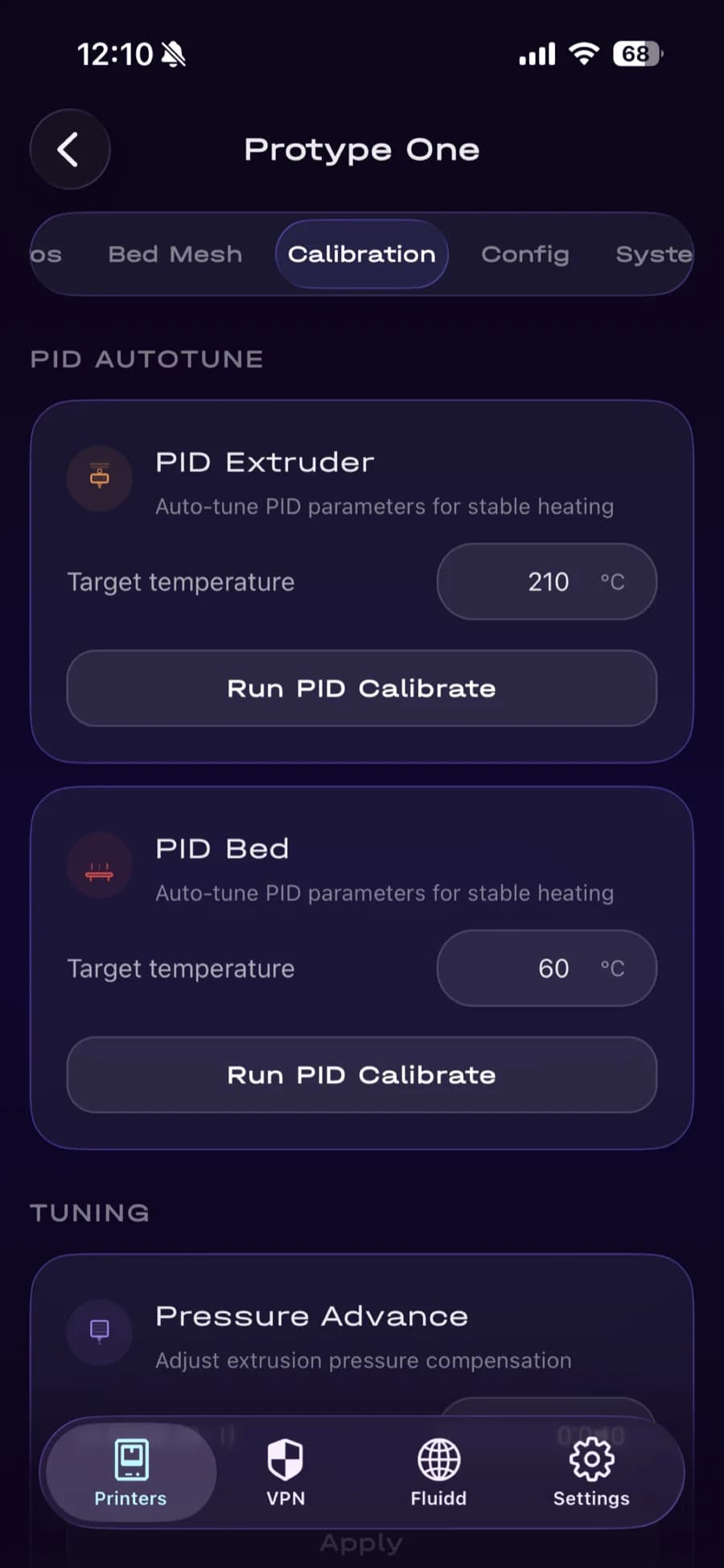
Calibrate without a laptop
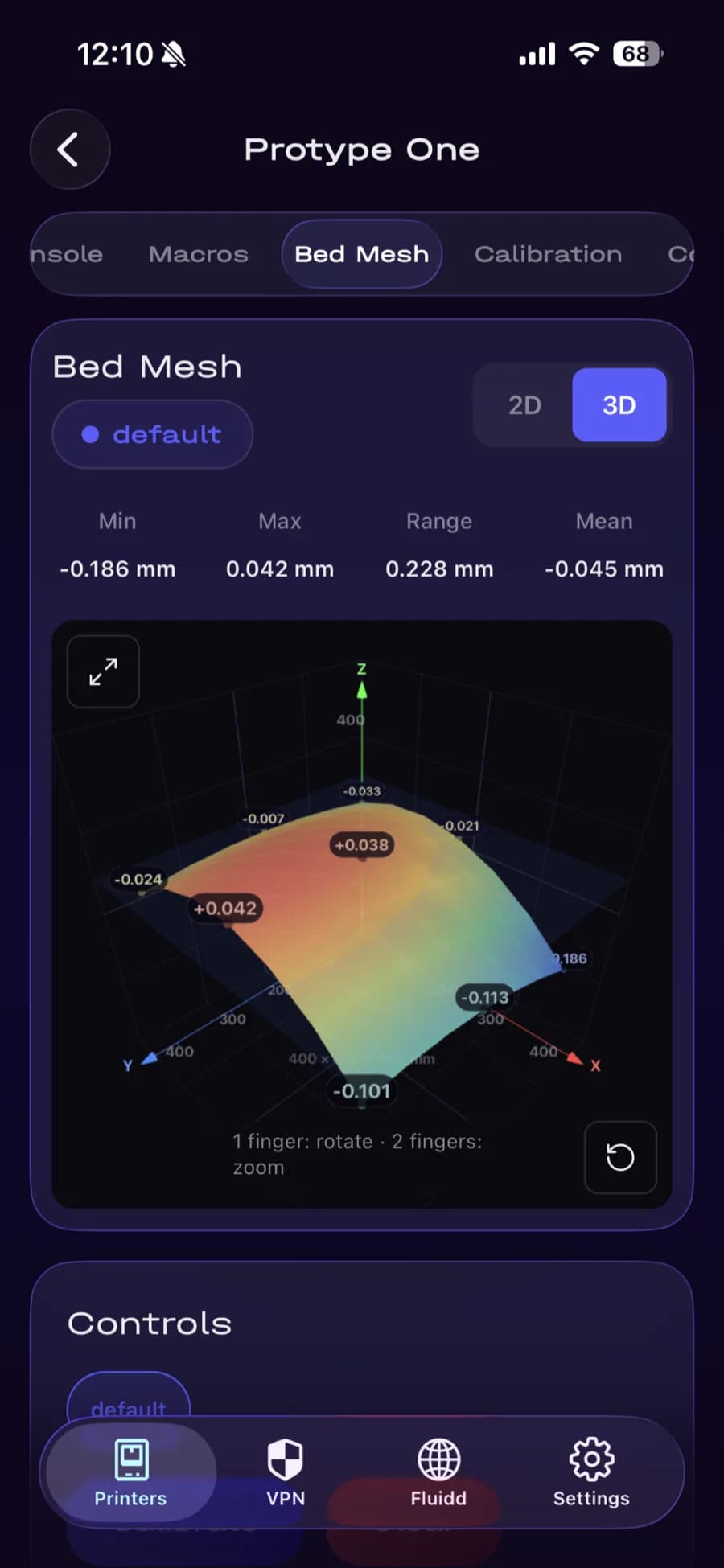
PID autotune, pressure advance, Z-offset and probe accuracy, with bed mesh in 2D heatmap and interactive 3D.
How many machines are you running?
One printer, or a few
Add it by address, watch it, print to it. The same app on the desktop and in your pocket, and the tunnel handles reaching it when you are not on the same network.
Get Protype HubA workshop or a farm
Roles enforced on the machine itself, a log of privileged actions on the printer, and the option of hosting the hub on your own Linux server. Tell us how many machines you run and which platforms your operators use.
Talk to usSpecifications
- Desktop
- macOS 12.0+, Windows x86-64, Linux x86-64
- Mobile
- iOS 15.1+ on iPhone and iPad, Android 7.0+
- Printer protocol
- Moonraker over HTTP and WebSocket, through the authenticating proxy on the machine
- Camera
- WebRTC, MSE over WebSocket, MJPEG fallback
- Remote access
- WireGuard — Apple Network Extension on macOS and iOS, boringtun on Windows and Linux, native tunnel on Android
- Sign-in
- OpenID Connect with PKCE, two-factor, Face ID and Touch ID
- Required services
- Protype hub for device registration, tunnel configuration and access control; Protype identity service for sign-in
Questions
Does it work with a printer Protype did not make?
Yes. Protype Hub speaks Moonraker, so any Klipper machine works — Voron, Qidi, Rat Rig, something you built yourself. A few panels read a machine profile that only exists for our own printers; where there is no profile, the app hides the panel rather than showing you a control that does nothing.
Do I need a Protype account?
Yes, today you do. Signing in comes before the printer list appears, including for a machine on your own network. Letting local-only use skip that is work in progress, and this answer will change when it ships rather than before.
Do I need a cloud account?
Yes. Device registration, tunnel configuration and access control run through our hub service at hub.protype.dev, and signing in uses our identity service. What does not happen in the cloud is the printing itself: there is no cloud slicer, no cloud queue, and no vendor pipeline your model files are processed by.
Do I have to open ports on my network?
No. The tunnel is established outbound from the printer and from your device, so there is no port forwarding, no public IP and no reverse proxy to configure.
Can I run it fully offline or air-gapped?
Not with the shipping apps. The hub is required for enrolment and access control, and the clients have no in-app setting for pointing at a different one. The hub software itself can be hosted on your own Linux server — if that is what your security review needs, it is a deployment conversation, so talk to us before you buy.
Which platforms are supported?
macOS 12 and later, Windows and Linux on x86-64, iOS 15.1 and later on iPhone and iPad, and Android 7.0 and later. The desktop clients share one interface, so what you see on a Mac is what you get on Windows.
Get Protype Hub
Free to download on five platforms. Add the first machine and see the whole fleet from anywhere.
Download